您订阅的产品有更新,请及时查阅
查看详情您订阅的产品有更新,请及时查阅
查看详情 发布时间:2013-09-27
 点击量:5247
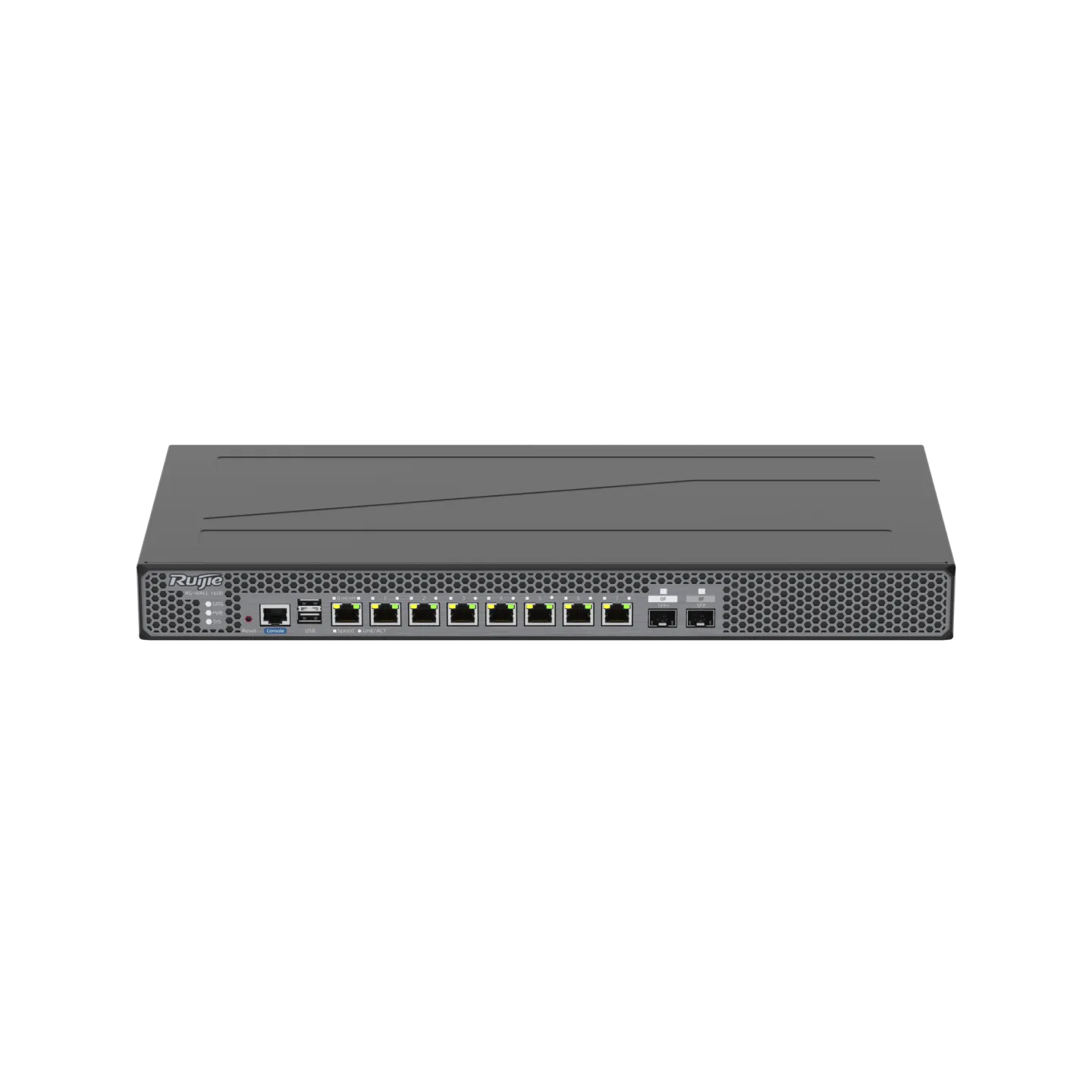
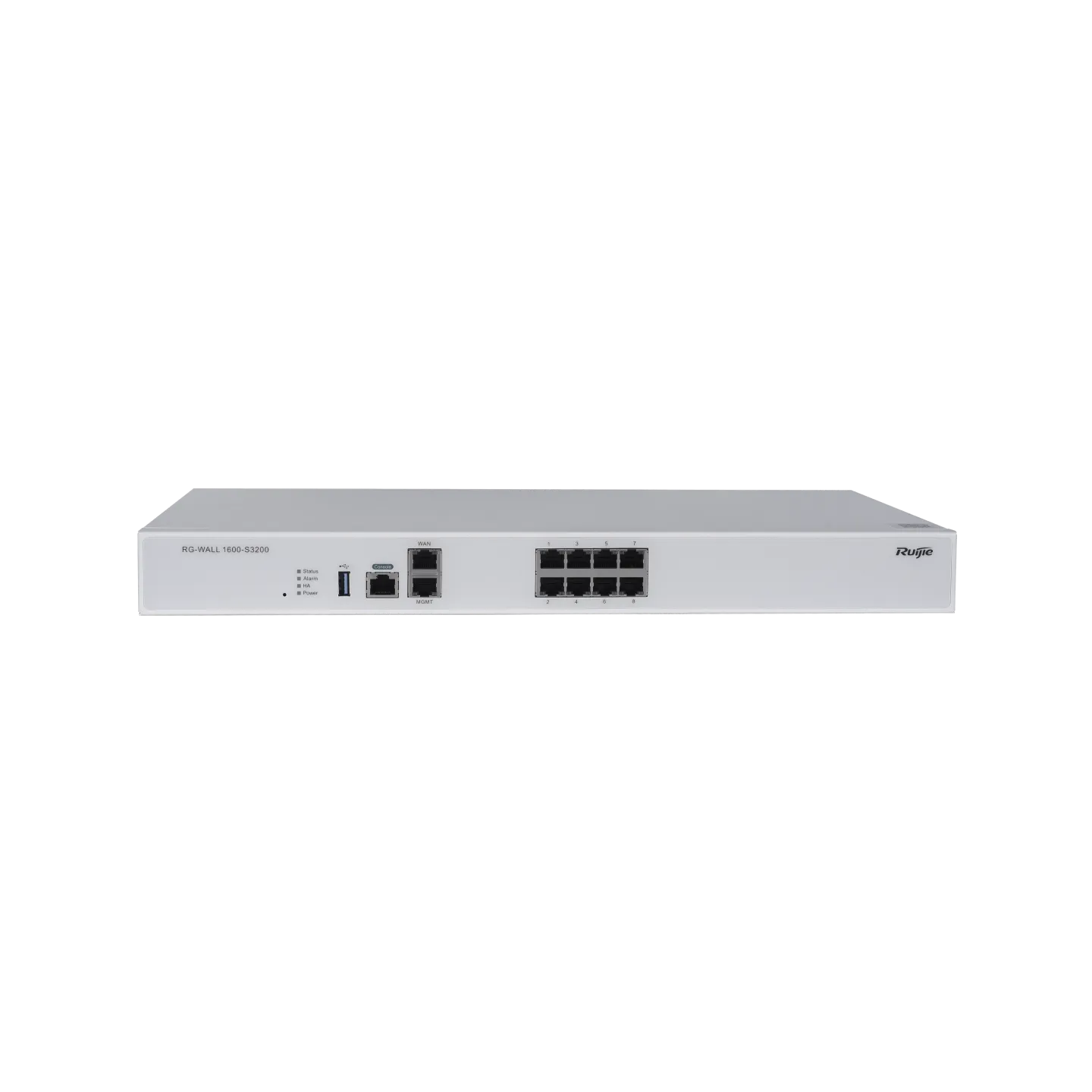
VPN设备常用命令
1)查看版本
RG-WALL# show version
Model: RG-WALL-V1600S
Version: v2.60.11.3
2)恢复出厂设置
RG-WALL# clear conf
Warning: The command will restore all system configuration to default
and then REBOOT the system!!!
Are you sure to CLEAR all the system configuration and REBOOT system?(Y/N):Y
3)接口IP状态查看
[sadm@RG-WALL(Network)]# show interface
Interface to show (eth4, eth3, eth2, eth1, eth0, Enter means show all):
Interface Mode IPAddr NetMask GateWay MTU Status
eth4 UnCfg 0.0.0.0 0.0.0.0 0.0.0.0 1500 Up
eth3 UnCfg 0.0.0.0 0.0.0.0 0.0.0.0 1500 Up
eth2 Manual 172.31.0.1 255.255.255.0 0.0.0.0 1500 Up
eth1 UnCfg 0.0.0.0 0.0.0.0 0.0.0.0 1500 Up
eth0 Manual 172.18.10.98 255.255.255.0 172.18.10.1 1500 Up
4)重启VPN设备
RG-WALL# reboot
5).命令行配置IP地址
RG-WALL# network
[sadm@RG-WALL(Network)]# interface set
Interface to set (eth4, eth3, eth2, eth1, eth0, Enter means cancel):
eth1
Bring up onboot? (0: No, 1: Yes, Enter means Yes)
1
Work mode (0: UnCfg, 1: Manual, 2: DHCP, 3: PPPoE, 4: InBridge, Enter means Manual):
1
IP Address (xxx.xxx.xxx.xxx):
10.10.10.10
Netmask (xxx.xxx.xxx.xxx, Enter means 255.0.0.0):
255.255.255.0
GateWay (xxx.xxx.xxx.xxx, Enter means no default gateway in this network):
MAC Address (xx:xx:xx:xx:xx:xx, Enter means use MAC Address of device):
MTU (68-1500, Enter means use MTU of device):
6)命令行保存配置
RG-WALL# save

 文档评价
文档评价
























_ae78f309848d49d8a63fb0306fe297fe.webp "RG-AP850-AR(V3)四射频Wi-Fi 6无线AP")



















_043807d99ecc4182b9f8a124760dd432.webp "RG-AP820-AR(V3)三射频Wi-Fi 6无线AP")